Full-screen takeover
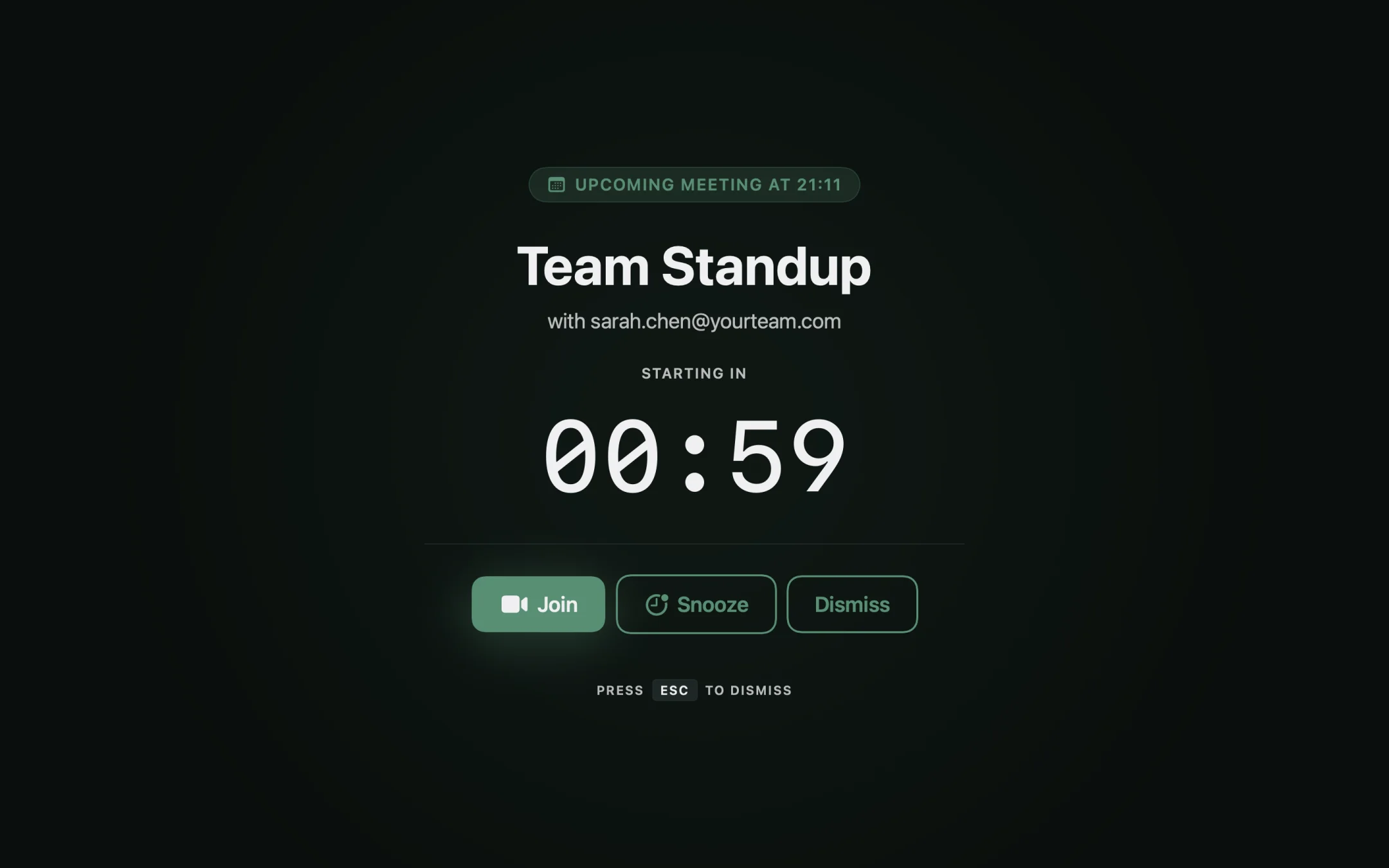
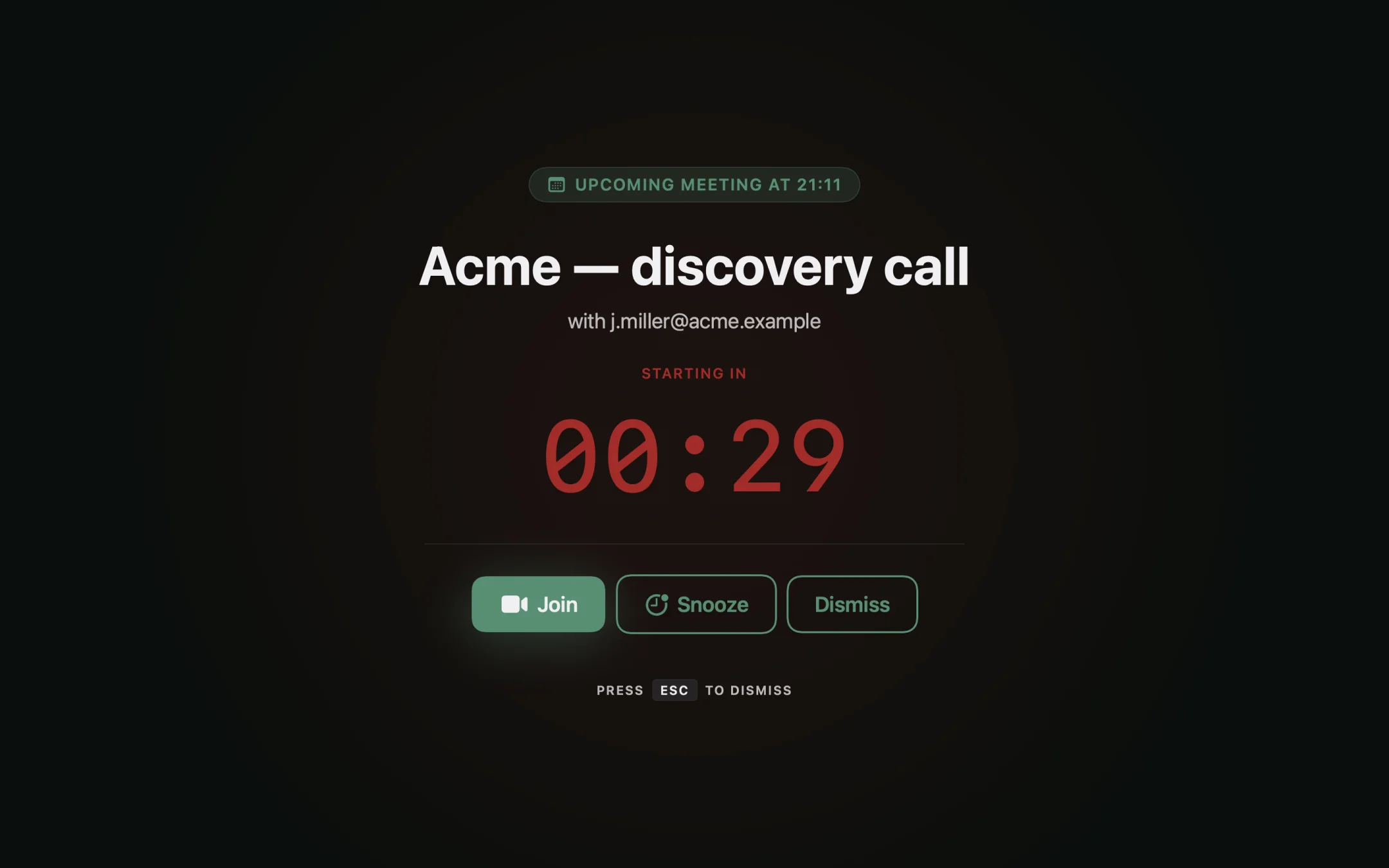
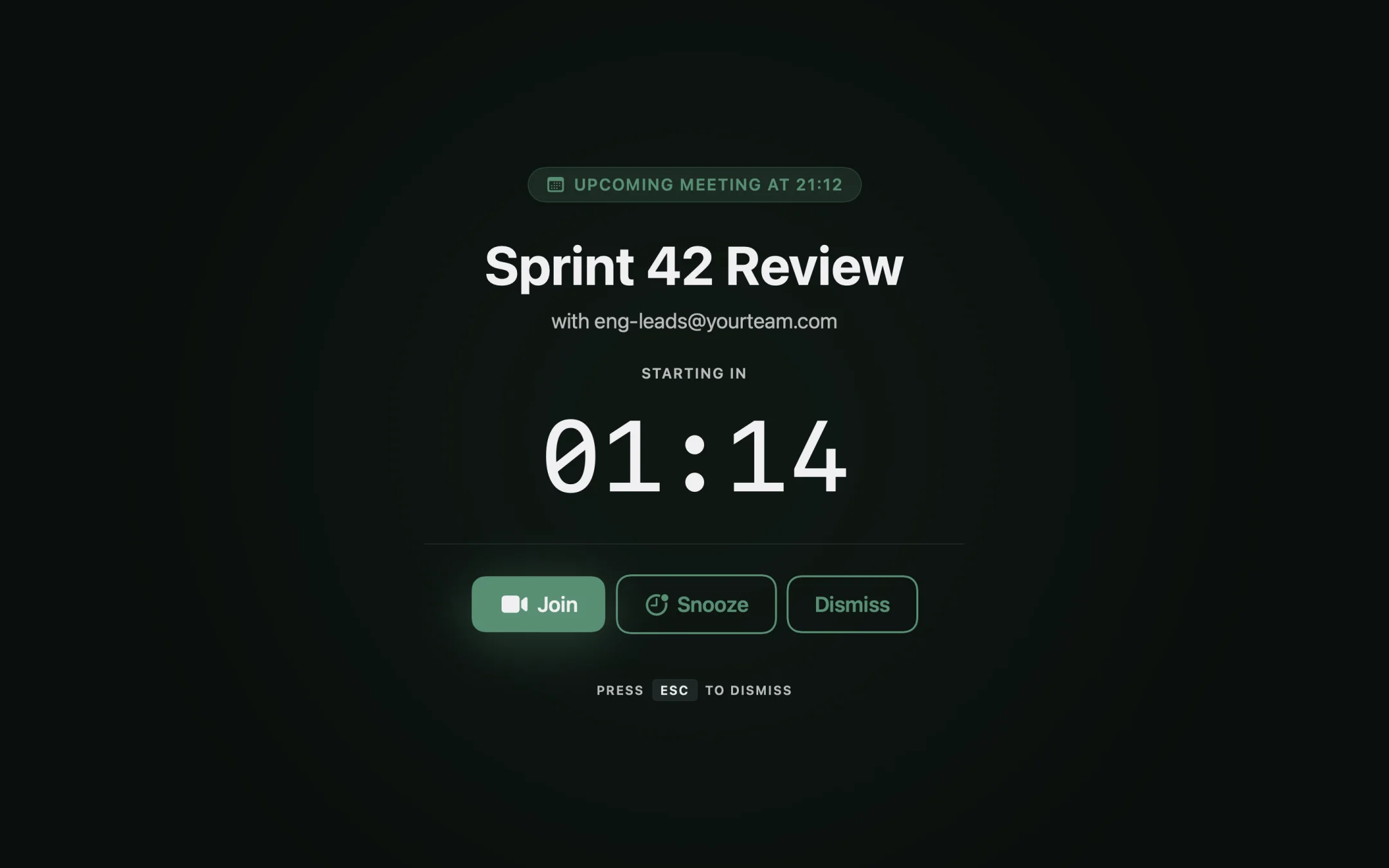
At the start time, every connected display goes black except for the meeting card. Title, time, Join, Snooze, Dismiss. That's it. Slack DMs and a deep IDE focus can't bury it.
A small Mac app that takes over every screen the second a meeting begins. It reads your calendar, opens the right meeting link, then gets out of the way.
One email. No follow-ups. Sent the day it launches.

The macOS notification slid in five minutes before, while you were typing in another window. You didn't see it. By the time you remembered the meeting, three people on the call had already refreshed the participant list.
Notifications fail because they're polite. They sit in a corner that you've trained yourself to ignore. Unmissably is the opposite: at zero on the clock, every monitor goes dark and the only thing on screen is the meeting.
10:29:47 Slack DM in a side window10:29:55 macOS banner: "Standup in 5 min" (unseen)10:30:00 Standup starts. You're on a different desktop.10:33:00 Teammate: "you joining?"
At the start time, every connected display goes black except for the meeting card. Title, time, Join, Snooze, Dismiss. That's it. Slack DMs and a deep IDE focus can't bury it.
Google Calendar via OAuth (read-only). Apple Calendar via EventKit. Both stay on your Mac. Pick which calendars to watch from the menu bar; ignore the rest.
Zoom, Google Meet, Microsoft Teams, Whereby, plain HTTPS links. The Join button opens whichever app the event actually used. No second-guessing which tab to find.
Banners in a corner you stop seeing by 11am. A full-screen block is harder to engineer past.
Then it covers that one screen. The overlay scales with however many monitors are connected, including zero externals.
Snooze pushes by 1, 2, or 5 minutes. Focus mode silences overlays entirely while you're heads-down.
Nowhere. Events are cached locally in SQLite. OAuth tokens live in the macOS Keychain. No telemetry, no analytics.
No. One-time purchase on the Mac App Store. Pay once, keep it. No monthly fee, no yearly renewal, no account to manage.
It doesn't care whether it's a standup or a customer discovery call. It fires the same way for every event on your calendar.
Sign in to Google with OAuth, or grant Apple Calendar access. Read-only in both cases. Tokens go to the macOS Keychain.
From the menu bar, check the calendars that contain real meetings. Skip the birthdays calendar your partner shared with you.
When the next meeting starts, every screen blocks. Title, time, and a Join button. Click. You're in.
No analytics. No telemetry. No third-party servers. OAuth tokens sit in the macOS Keychain. Disconnect the account and they're gone.
Unmissably is heading to the Mac App Store as a one-time purchase — no subscription. Drop your email and you'll get one message the day it ships. Nothing else.
Email me when it ships Sends to hello@unmissably.app. No list, no follow-ups.